Times from the source you use
Vaktija.ba for Bosnia, Vaktija.eu for cities in 17 European countries, Islamiska Förbundet for Sweden, AlAdhan worldwide, or a calculation for your location. New times load every day.
Set it up from your phone in two minutes. Open a web page on the TV, scan the code, choose your city, and the times appear. No app, no account, no special box.
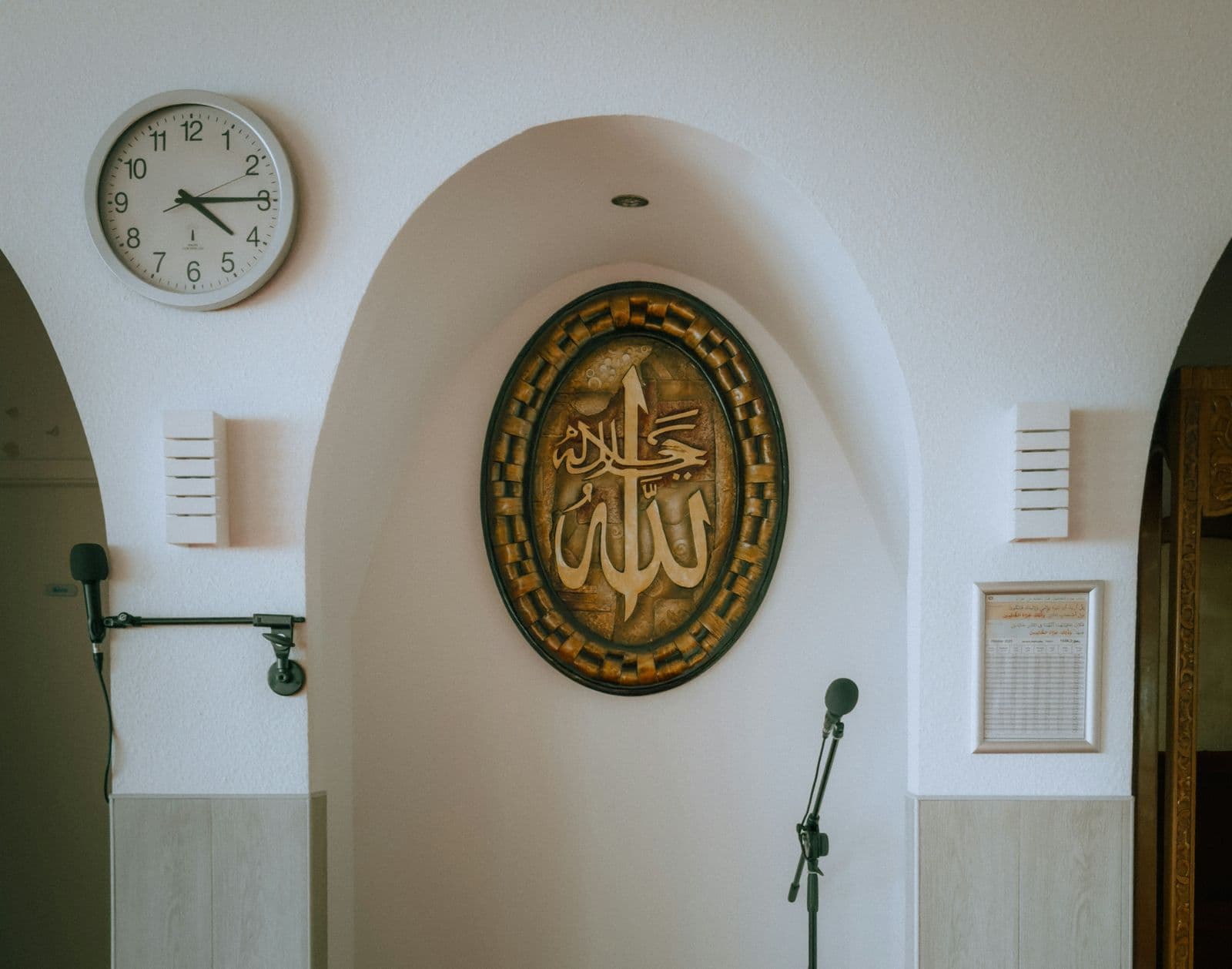
In many mosques the times live on a printed sheet by the mihrab and a clock on the wall, and someone has to change the sheet every month. NextNamaz loads the new times each night, so the screen is right every morning without anyone touching it.
See how it worksIf you can scan a QR code, you can do this. It takes about two minutes.
In the TV's web browser, go to nextnamaz.com/s and press Start. The TV makes a new screen for itself and shows a QR code.
Smart TV, streaming stick, laptop or Raspberry Pi
These are the choices you get in the settings on your phone. Change the language, the look or the line at the bottom, and the screen follows, just as your TV will.
Language
During prayer
Theme
Mode
Colours
Accent
Prayer names and labels change with the language, and the times stay the same. Every screen keeps its own settings.
Hang the TV the way the wall allows. On its side by the entrance or in a narrow corridor, the display rearranges itself to fit.
Everything is set from a phone. Nothing is installed on the TV.
Vaktija.ba for Bosnia, Vaktija.eu for cities in 17 European countries, Islamiska Förbundet for Sweden, AlAdhan worldwide, or a calculation for your location. New times load every day.
Set up the main hall and the women's section separately. Each screen has its own link: open it on your phone, change anything, and that TV updates within seconds.
Let the screen go black with only a clock for 5 to 45 minutes from each prayer's start time, so nothing on the wall catches the eye.
Upload up to 12 posters or short videos. As often as you choose, from every minute to once an hour, the TV shows them full screen or beside the times, then goes back. Videos play without sound.
The clock, countdown and today's times keep running. Changes and tomorrow's times arrive when it reconnects. After a power cut, it needs internet to start.
Landscape or portrait, rotated for a TV mounted on its side, and zoomed out for sets that cut off the edges of the picture.
English, Arabic, Bosnian, Swedish, Turkish, Urdu, German, French and Spanish, with Arabic and Urdu right to left. Rename the prayers and headings to match how your community says them.
From 10 to 25 minutes after each prayer, a small code shows in a corner so someone in the room can open the settings. You can switch it off, and an optional PIN limits who can change anything.
No price, no plan, no ads and nothing to renew. Set up as many screens as your mosque has walls.
Every line of code is public on GitHub under the AGPL. Read how it works, suggest a change, or run your own copy.
Anything with an up-to-date web browser and an internet connection can be the display. If your TV has no browser, or its browser is out of date, plug in a small stick or an old laptop.
Nothing, and no. There is no subscription, no sign-up, no email and no password. Each screen gets its own private link when you set it up, and that link is how you reach its settings.
Often nothing. You need a TV or monitor with a web browser and an internet connection. A recent smart TV's own browser usually works. If the page stays blank or looks broken, that browser is too old: plug in a streaming stick with a browser, a Raspberry Pi or an old laptop. There is no special box.
If the internet drops, the clock, countdown and today's times keep running, and your changes arrive once it is back. After a power cut the page needs internet to load again. The TV remembers its screen, so opening nextnamaz.com/s brings your display straight back.
From the source you pick: Vaktija.ba, Vaktija.eu, Islamiska Förbundet, AlAdhan, or a calculation with the method and Asr timing you choose. Setup suggests the best fit for your city and shows today's times first, so you can check them against your usual timetable.
Whenever you like. Open the settings link on any phone or computer, change the source, language, look or announcements, and save. The TV updates within seconds. If you lose the link, move the mouse or press a key on the TV to bring its code back.
Anyone who has its link, or who scans its code on the TV. Treat the link like a key and share it only with people you trust. For more control, add a PIN of 4 to 8 digits. A forgotten PIN cannot be reset, so write it down.
Yes. Set up each TV on its own and each gets its own link, times, language and look. The main hall can show Turkish and the women's section English, each with its own announcements.
Nine: English, Arabic, Bosnian, Swedish, Turkish, Urdu, German, French and Spanish. Arabic and Urdu read right to left. You can rename every prayer and heading on the display. The settings page on your phone, the setup screens on the TV and the small 'Scan to manage' caption are in English.
Not yet. The screen shows when each prayer begins, plus sunrise, taken from the source you choose. Iqamah times, a Jumu'ah time, the Hijri date and typing in your own times are not available at the moment. The clock is 24-hour and the date reads day/month/year.
Each screen stores its settings, its city or coordinates, a scrambled copy of its PIN if you set one, and any images or videos you upload. Uploaded files can be opened by anyone who has their web address, so don't upload anything private. City search and 'Use my location' ask Open-Meteo and BigDataCloud to look up the place. Page visits are counted anonymously with Vercel Web Analytics. There are no accounts, so no names, emails or passwords.
NextNamaz is free to use, with no ads. The full code is on GitHub under the AGPL-3.0 licence, so any mosque, developer or community can read how it works, suggest changes, or run its own copy.
Read the code on GitHubIt takes about two minutes, and you can change everything later. Stand by the TV with your phone in hand.
Set up a screen